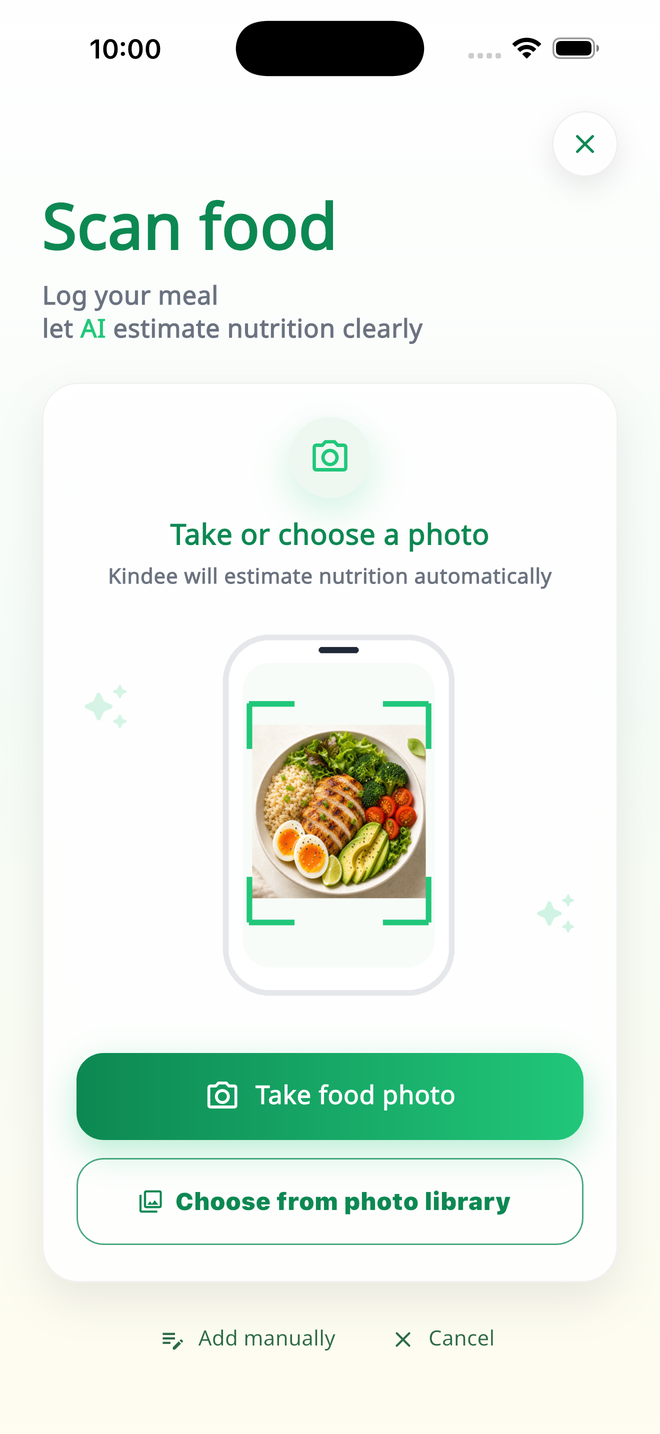
Scan meals from your camera or library.
Use a food photo to create an estimated meal entry instead of typing every item from scratch.
AI food scan and nutrition diary
Take a food photo, review the estimated nutrition, save the meal, and see your daily eating patterns with less manual logging.
Built for everyday meals
Kindee keeps the loop practical: capture a meal, check the estimate, save it, and understand how the day is going.
Use a food photo to create an estimated meal entry instead of typing every item from scratch.
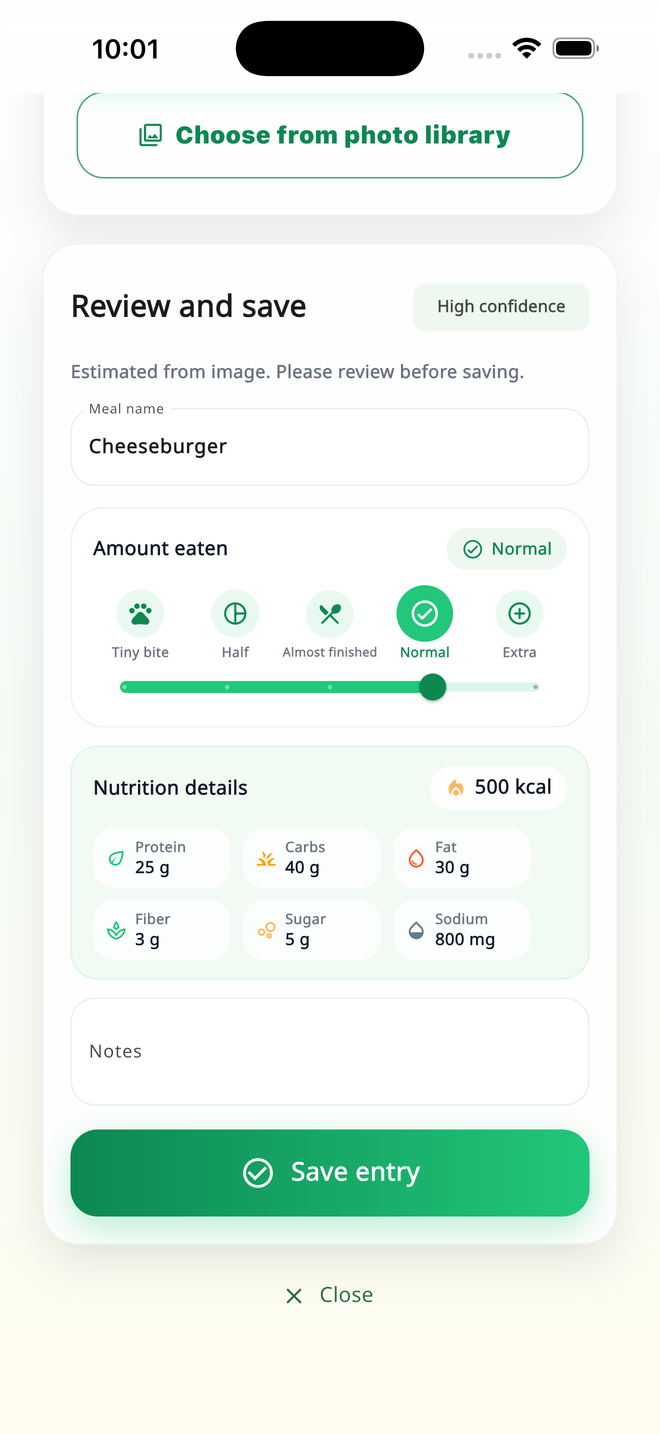
Adjust the portion and check calories, protein, carbs, fat, fiber, sugar, and sodium before the meal enters your log.
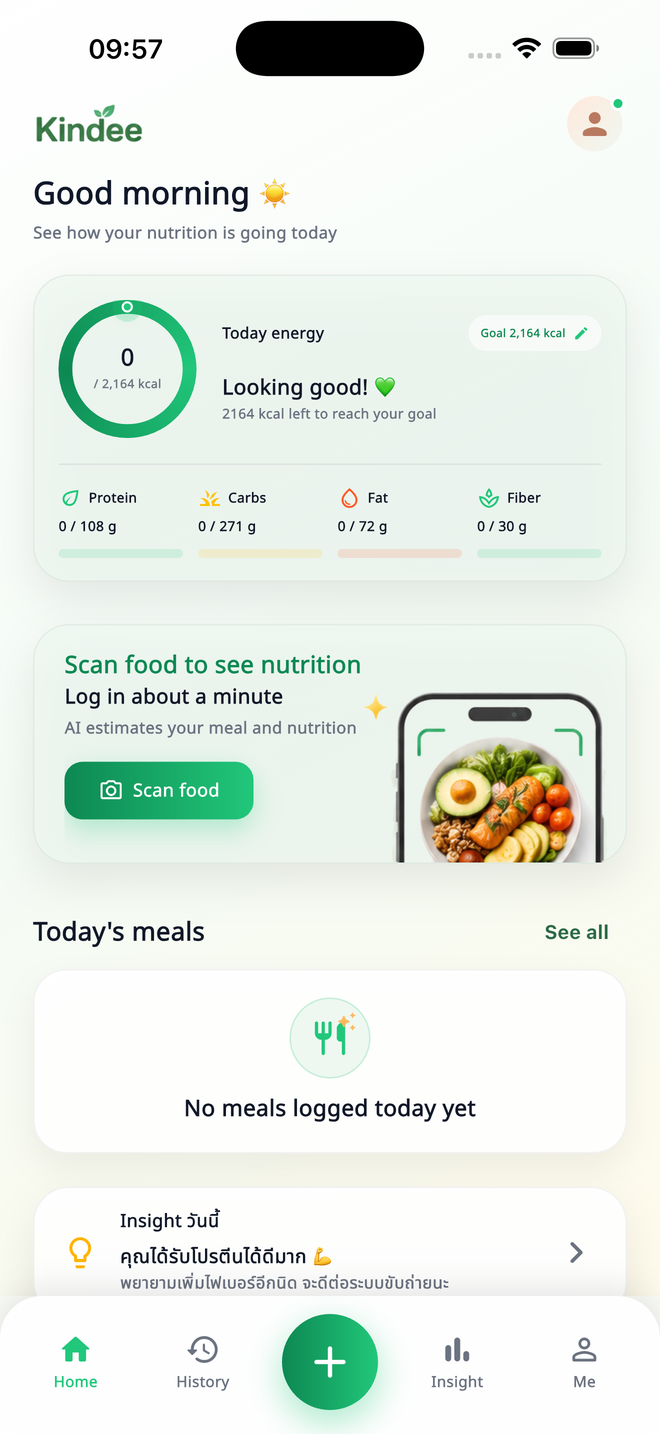
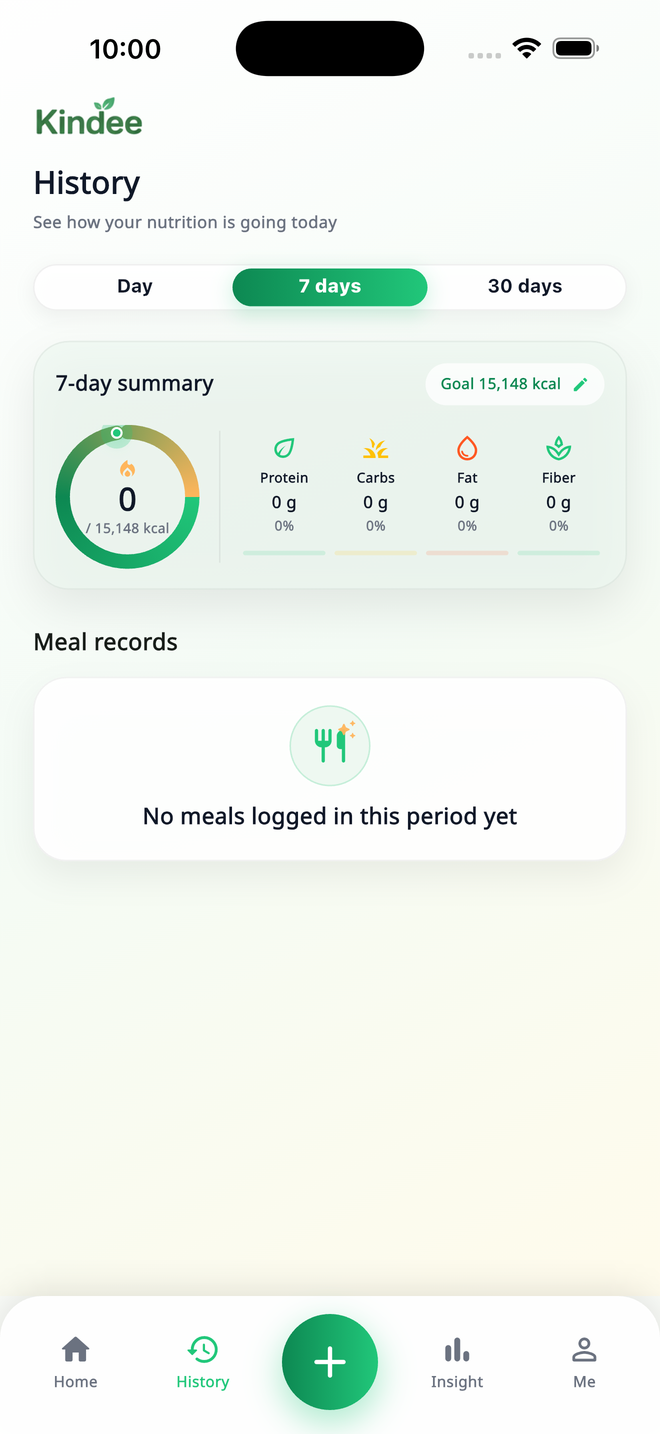
Daily goals, meal history, and insight views are ready to use while social login stays out of the way.
Inside the app
Each screenshot is shown in the same phone ratio so the product feels polished instead of stretched or randomly placed.
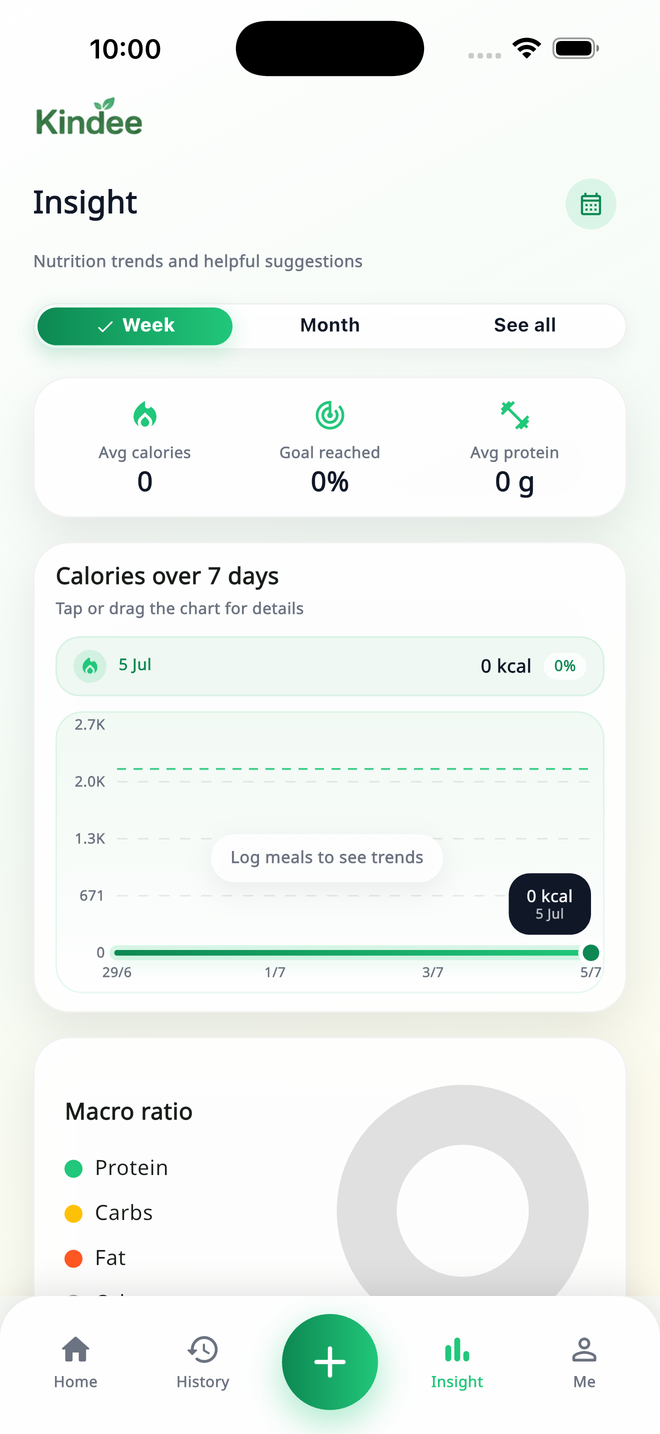
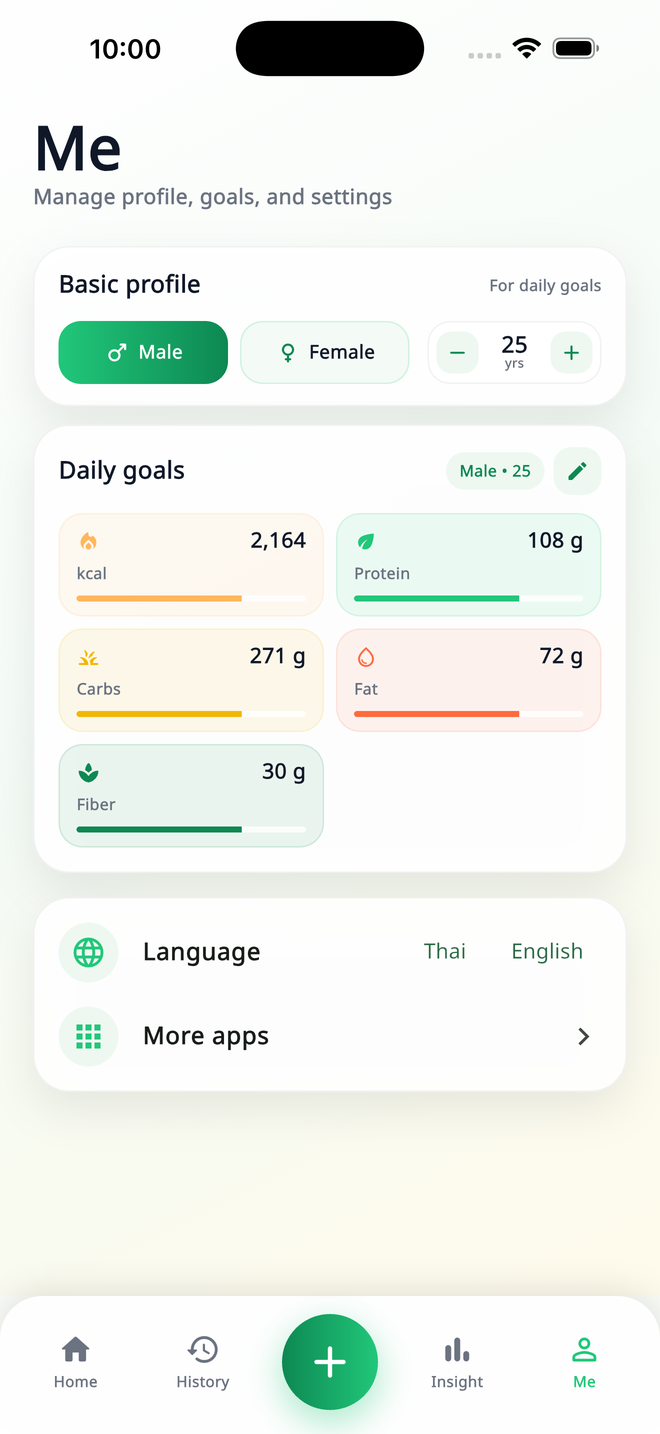
Review first, save when ready
Kindee is built around user review. The app can estimate nutrition from an image, while you keep the final say before anything becomes part of your history.
Get the real app and start scanning meals, reviewing nutrition, saving food history, and checking insight trends on iPhone.